Stellar Affinity Search & Navigate the Wiki
Every page, code, character, and guide — at your fingertips.
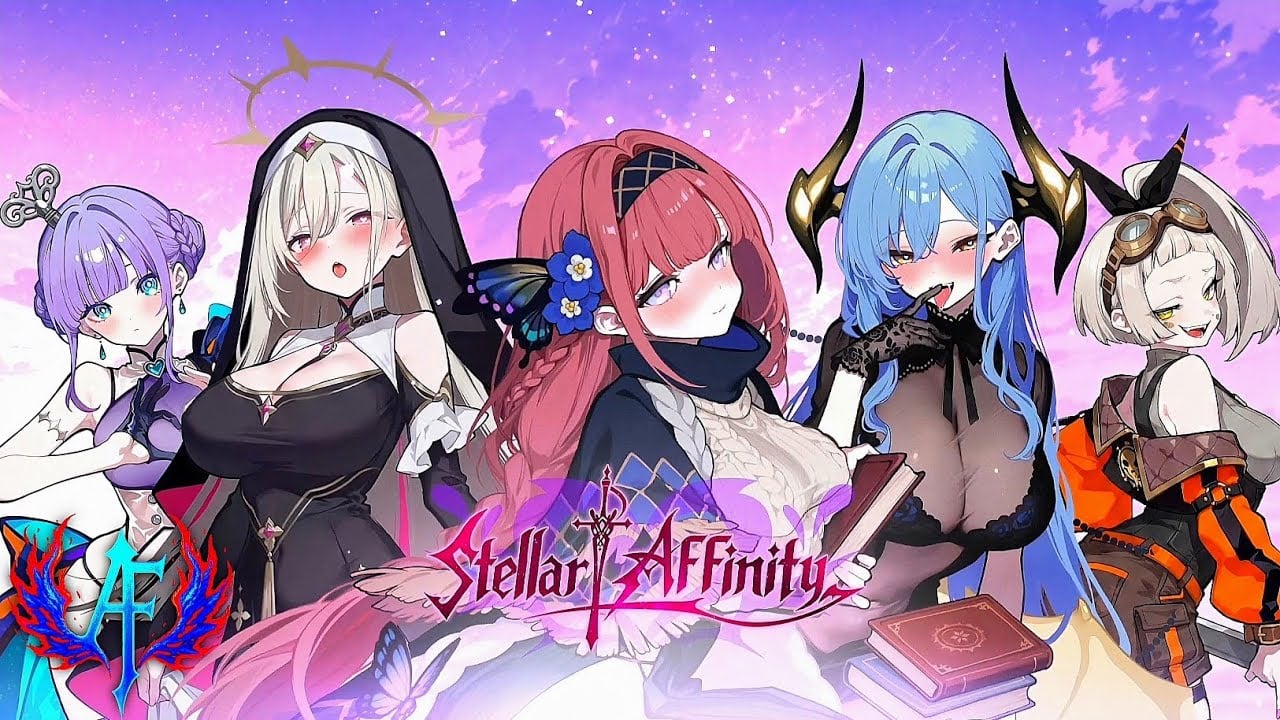
This wiki covers a large amount of content across multiple categories. This page explains how to find what you need quickly, whether you are looking for active redeem codes, a specific character build, or the current event checklist.
Quick navigation by category
The primary navigation at the top of every page groups content into eight hubs:
| Hub | What you find there |
|---|---|
| Codes | Active codes, expired codes, how to redeem |
| Characters | Tier list, roster, best teams, individual girl guides |
| Guides | How to play, beginner week, combat, bonds, farming |
| Builds | Team builds, F2P plan, progression priority |
| Items | Currencies, divine artifacts, glossary |
| Events | Current events, patch notes, launch rewards, Light Festival |
| Review | Game tone, grind expectations, honest impressions |
| Tools | Codes tracker, bond checklist, summon planner |
Searching on this wiki
The wiki does not have a built-in live search engine. Instead, use your browser’s built-in search:
- Desktop: Press
Ctrl + F(Windows/Linux) orCmd + F(macOS) to search within the current page. - Browser search: Press
Ctrl + K(Windows/Linux) orCmd + K(macOS) to open browser address bar search — type your query and press Enter to search Google directly forsite:stellaraffinity.wiki your query. - URL shortcuts: Add
?s=queryto the domain for a quick keyword match across known pages.
What players search for most
These are the most-visited pages based on wiki traffic patterns:
- Active codes — the top landing page for returning players
- How to redeem codes — step-by-step redemption walkthrough
- Tier list — character investment priority after launch
- Hime Bonds — affection system deep dive
- Current events — mid-August event checklist and shop rotation
- Beginner week — day-by-day launch calendar
- Download & PC — emulator setup and account binding
URL structure and deep linking
Every page follows a predictable URL pattern:
- Root:
/(English) or/{locale}/(Japanese/ja/, Korean/ko/, Spanish/es/) - Category hubs:
/{locale}/{category}/such as/codes/or/ja/characters/ - Sub-pages:
/{locale}/{category}/{page}/such as/characters/isuna/or/ko/events/light-festival/
All URLs carry a trailing slash. Internal links on the wiki are locale-aware — switching language on any page keeps you on the equivalent page in the new language.
Bookmarking useful pages
For frequent visitors, bookmarking category hubs is more useful than bookmarking individual guides, because hubs always show the latest sub-pages:
- stellaraffinity.wiki/codes/ — active codes hub
- stellaraffinity.wiki/tools/ — daily tools hub
- stellaraffinity.wiki/events/current/ — current event status
Multi-language support
This wiki is fully available in four languages: English, Japanese, Korean, and Spanish. Use the language switcher in the header to change locale. All pages, including this search page, exist in all four languages with independent content.
Related pages
- Tools hub — codes tracker, bond checklist, summon planner
- Home — return to the wiki homepage
- Codes active — latest redeemable codes
Use the category navigation above or the footer links to explore further.
Frequently Asked Questions
Quick answers to the most common questions.
Does this wiki have a live search bar?
No built-in search engine. Use browser search (Ctrl+F) on the current page, or Google site search with `site:stellaraffinity.wiki keyword`.
How do I switch between languages?
Use the language switcher in the header. All pages exist in English (/), Japanese (/ja/), Korean (/ko/), and Spanish (/es/) with independent content.
What is the most visited page on the wiki?
The [active codes](/codes/active/) page is the top landing target for returning players checking for new redeem strings.
How are URLs structured?
All pages use trailing slashes. Format: /{locale}/{category}/{page}/. English has no locale prefix; other languages use /ja/, /ko/, or /es/.
Can I bookmark specific character pages?
Yes. Individual character pages like /characters/isuna/ or /ja/characters/delia/ are stable and permanent.